Template Literals in JavaScript
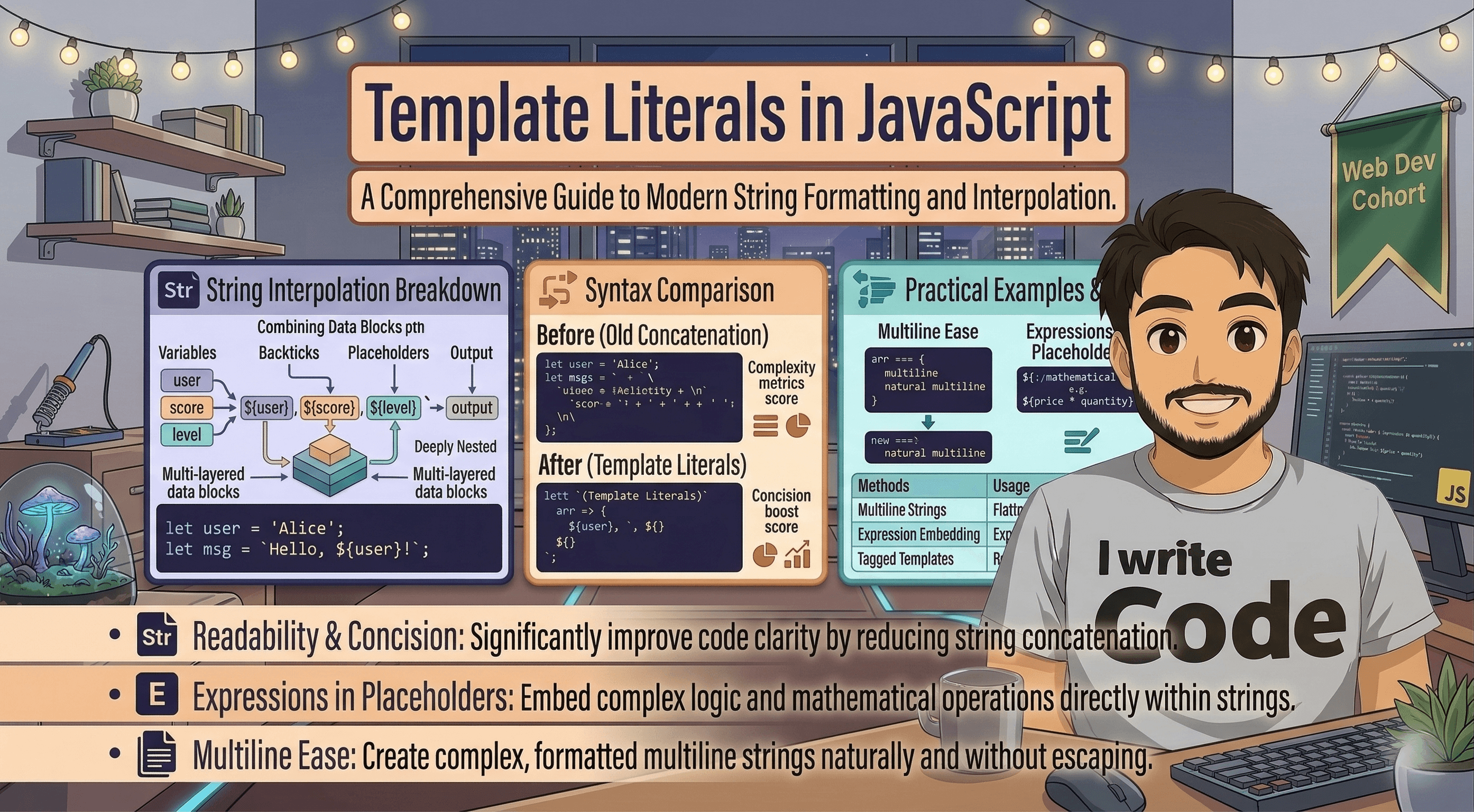
Today, we’re going to talk about a small change in JavaScript that made a massive difference in how clean our code looks.
If you’ve ever felt like your code was becoming a messy jungle of plus signs (+) and quote marks ("), you’re going to love Template Literals. Let’s dive in and see how we went from "string soup" to readable, modern code.
The Headache of Traditional String Concatenation
Before we had template literals, we used string concatenation. This means "gluing" strings and variables together using the plus (+) operator.
It sounds simple, but it quickly becomes a nightmare. Here are the main problems:
The Space Trap: You constantly forget to add spaces between words (e.g.,
"Hello"+namebecomesHelloJohn).Quote Confusion: Mixing single quotes (
') and double quotes (") leads to syntax errors.Hard to Read: As soon as you have more than two variables, the code looks like a math equation rather than a sentence.
Meet the Hero: Template Literal Syntax
In modern JavaScript (ES6+), we have a better way. Instead of using single or double quotes, we use backticks (`). You can usually find this key right above the Tab key on your keyboard.
The basic syntax looks like this:
const message = `This is a template literal`;
It doesn't look like much yet, but the power lies in what you can do inside those backticks.
Embedding Variables (Interpolation)
This is the "killer feature." Instead of breaking your string to add a variable with a +, you use a placeholder: ${variableName}. This is called String Interpolation.
Let’s compare the old way vs. the new way:
The Old Way (Concatenation):
const name = "Alice";
const greeting = "Hello, " + name + "! Welcome to the blog.";
The New Way (Template Literals):
const name = "Alice";
const greeting = `Hello, ${name}! Welcome to the blog.`;
See how much cleaner that is? You can read the whole sentence in one go without your eyes jumping over plus signs and extra quotes.
Multi-line Strings Made Easy
Have you ever tried to write a string that spans multiple lines in old JavaScript? You had to use \n (newline character) and more plus signs.
The Old Way:
const poem = "Roses are red,\n" +
             "Violets are blue,\n" +
             "Coding is fun.";
The New Way: With template literals, you just hit Enter. The string preserves whatever formatting you give it.
const poem = `Roses are red,
Violets are blue,
Coding is fun.`;
Why This Matters: A Comparison
| Feature | Traditional Concatenation | Template Literals |
|---|---|---|
| Syntax | ' ' or " " |
` ` (Backticks) |
| Variables | Need + and extra quotes |
Use ${variable} |
| Readability | Poor (Messy) | Excellent (Natural) |
| Multi-line | Requires \n and + |
Just hit Enter |
Real-World Use Cases
Template literals aren't just for greetings. They are used everywhere in modern development:
HTML Templating: Building chunks of HTML to inject into a webpage.
API URLs: Constructing complex web addresses (e.g.,
`https://api.com/users/${id}`).Logging: Creating detailed error messages for debugging.
Conclusion
Template literals are a perfect example of how small syntax changes can make a developer's life much easier. They remove the "noise" of plus signs and quotes, allowing you to focus on the actual text you are writing. Once you start using backticks, you’ll likely never want to go back to the old way!