JavaScript Operators: The Basics You Need to Know
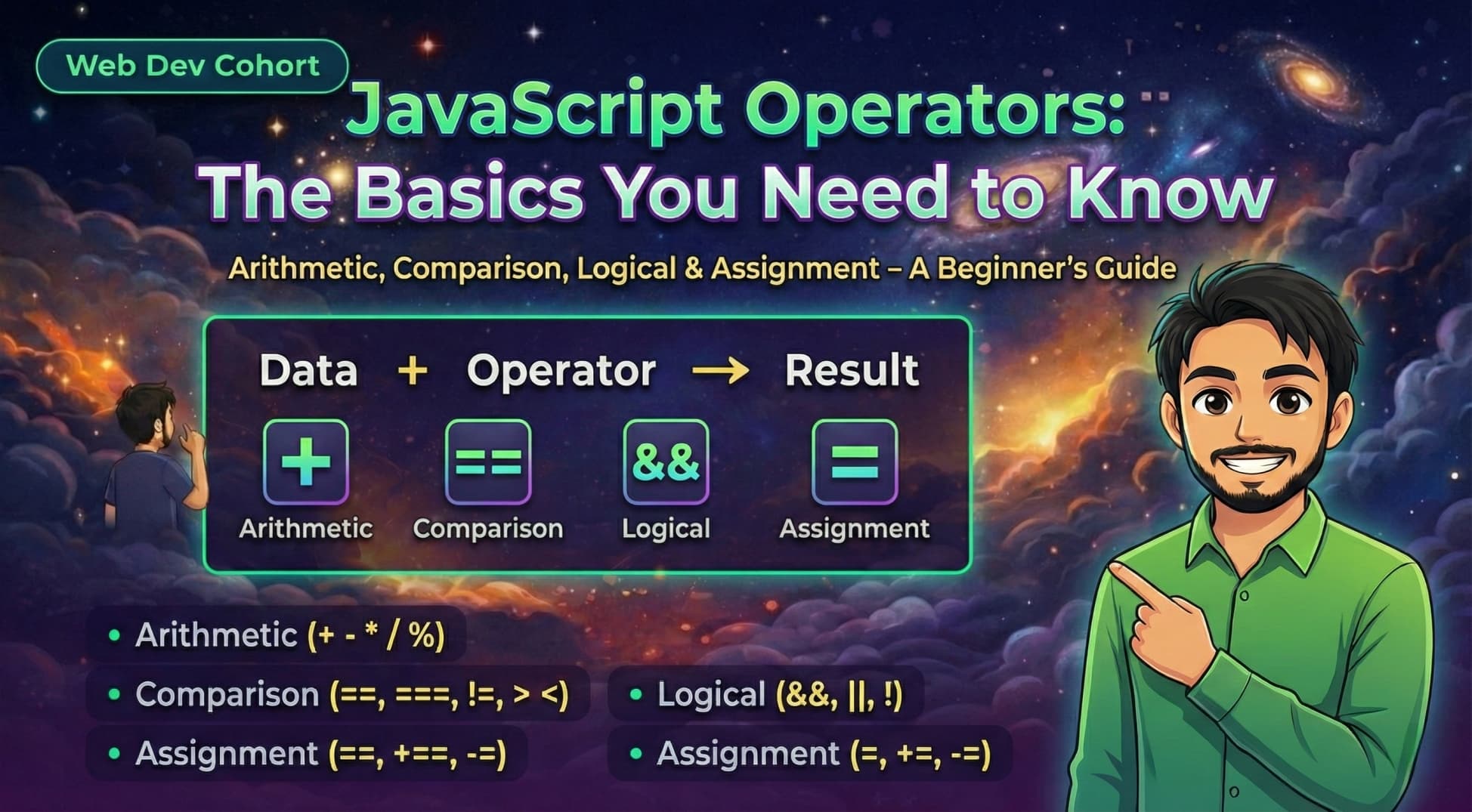
In every programming language, you often need to do math, compare values, or make decisions based on certain conditions. To do all of this, we use special symbols called operators.
In this blog, we will understand what operators are, the different types of operators in JavaScript (Arithmetic, Comparison, Logical, and Assignment), and how to use them in your everyday coding.
First, let’s understand what an operator actually is.
What are Operators?
Think of operators as action verbs for your code. If you have two numbers, an operator tells the computer what to do with them. For example, in the math problem 5 + 3, the numbers 5 and 3 are the data, and the + is the operator telling the computer to add them together.
Let's break down the most common types of operators you will use every day.
1. Arithmetic Operators
These are used to perform basic math operations, just like you would on a calculator.
+(Addition): Adds two numbers.-(Subtraction): Subtracts one number from another.*(Multiplication): Multiplies two numbers./(Division): Divides one number by another.%(Modulo): This one is special. It divides the first number by the second and gives you the remainder.
Console Example:
console.log(10 + 5);  // Outputs: 15
console.log(10 - 5);  // Outputs: 5
console.log(10 * 5);  // Outputs: 50
console.log(10 / 5);  // Outputs: 2
console.log(10 % 3);  // Outputs: 1 (Because 10 divided by 3 is 9, with a remainder of 1)
2. Assignment Operators
These operators are used to assign (or give) values to variables.
=(Basic Assignment): Gives a value to a variable.+=(Add and Assign): Adds a number to the current value of the variable.-=(Subtract and Assign): Subtracts a number from the current value.
Console Example:
let score = 10; // The '=' operator assigns 10 to score
score += 5;     // Same as: score = score + 5.
console.log(score); // Outputs: 15

score -= 2;     // Same as: score = score - 2.
console.log(score); // Outputs: 13
3. Comparison Operators
We use these to compare two values. They always result in a Boolean value: true or false.
>(Greater than) &<(Less than): Checks if one side is bigger or smaller.!=(Not equal to): Checks if two values are different.==(Loose Equality): Checks if values look the same, even if their data types are different.===(Strict Equality): Checks if values are identical AND their data types are exactly the same.
The difference between == and === (Very Important!)
This is a common trap for beginners.
If you compare the number 5 and the string "5":
console.log(5 == "5");  // Outputs: true (It only checks the value, and they both look like 5)
console.log(5 === "5"); // Outputs: false (One is a Number, one is a String. They are not strictly equal!)
Best Practice: Always use === to prevent unexpected bugs in your code!
4. Logical Operators
Logical operators are used to combine multiple conditions together.
&&(AND): ReturnstrueONLY if both sides are true.||(OR): Returnstrueif at least one side is true.!(NOT): Reverses the result. It turnstrueintofalse, andfalseintotrue.
Console Example:
let isWeekend = true;
let hasMoney = false;

// && (AND) - Both must be true
console.log(isWeekend && hasMoney); // Outputs: false (because hasMoney is false)

// || (OR) - Only one needs to be true
console.log(isWeekend || hasMoney); // Outputs: true (because isWeekend is true)

// ! (NOT) - Flips the boolean
console.log(!isWeekend); // Outputs: false (flips true to false)
Conclusion
Operators are the fundamental building blocks of logic in JavaScript. Arithmetic operators handle the math, assignment operators update your data, comparison operators check relationships, and logical operators help you make smart decisions in your code. Once you get comfortable with these, writing JavaScript becomes much easier!
Your Assignment
To practice what you just learned, try writing a small script in your console that does the following:
Create two variables with different numbers and perform all five arithmetic operations (+, -, *, /, %) on them.
Create a number variable and a string variable with the same number (e.g.,
10and"10"). Compare them using both==and===and log the results.Write a small condition using logical operators (like checking if someone is over 18
&&has a driver's license).