What DNS records are and why they exist
DNS are the main pillars of the Internet. They connect the everything. Your Computer, To your friend Computer. If you want to understand how DNS query work, how a request is traveled from your computer to your friends. read the Article How DNS Resolution Works.
In this blog we will be discussing about what are the different DNS records and why we use them and what all the use case they have.
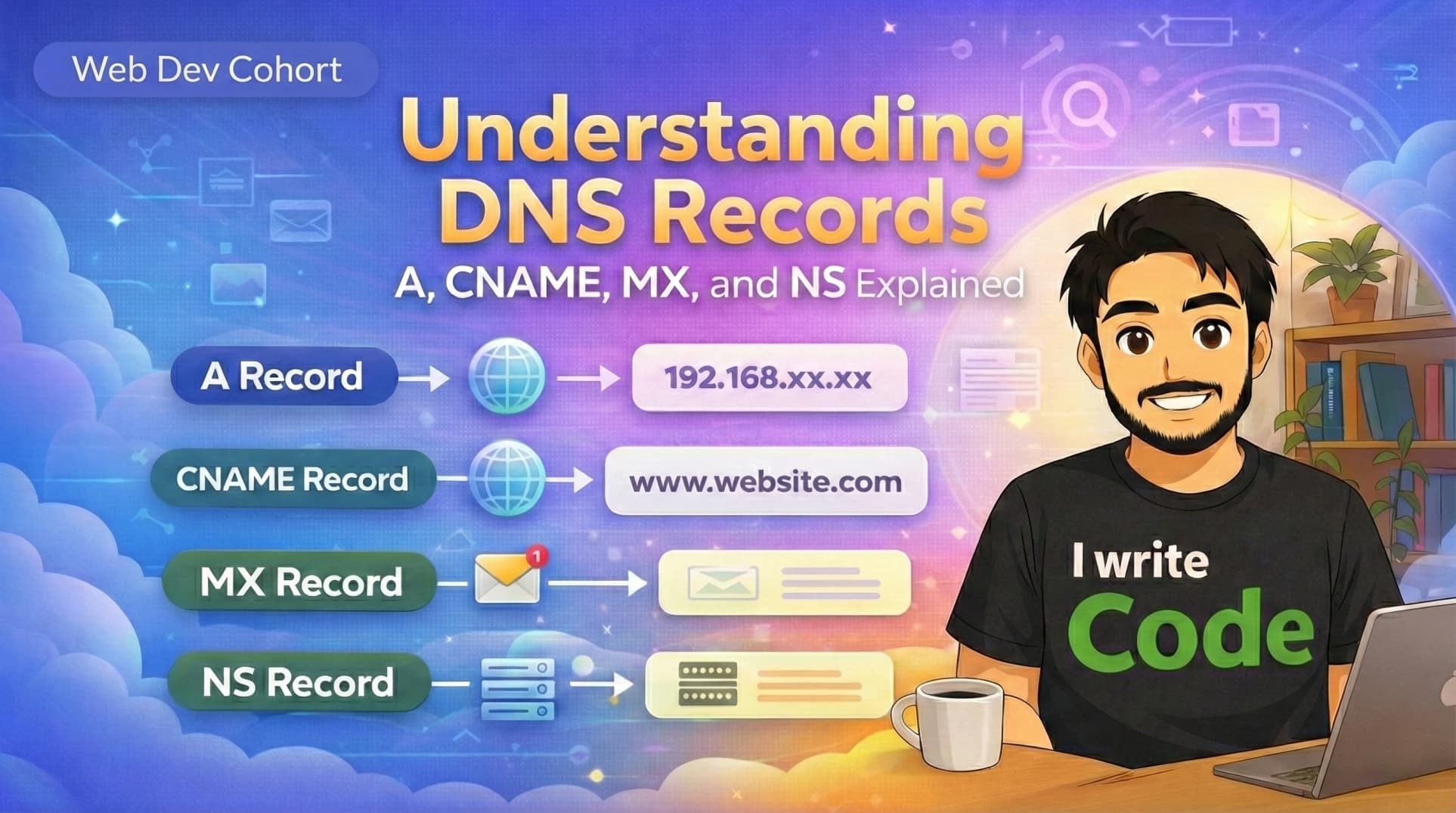
The A Record
This is the most commonly used record. This maps your IP address to a domain name so the other users can search it thru Internet. it’s works on the IPv4 address.
How it works
When you type
example.com, the DNS resolver finds the A record and immediately returns the IP(e.g.,
192.0.2.1). Your browser now knows the exact address of the server.
The CNAME Record
This is the most common record used by the beginners when you host your website on 3rd party providers like Vercel or Netlify. This add an extra layer of domain before Map to the IP. The 3rd party providers give you a domain and if you want to add your domain on that website you need to map your domain to their domain and then browser get the real IP to connect to the server.
This is also used by big companies like Google and Apple to map their other domain to their real domain.
How it works
If you have a CNAME for
blog.example.compointing tovercel.app, the resolver first finds the CNAME, sees it’s an alias, and then has to perform a second lookup to find the A record of the target.
The MX Record
This record is useful for receiving or sending the email from your domain. Most of the use at the
yourname@gmail.comfor your mails but company’s use a email with their domain address like google.com or Xyz.in.How it works
When someone sends an email to
you@example.com, their mail server asks DNS, "Where should I deliver this?" The DNS responds with a list of Mail Exchangers (likeaspmx.l.google.com). The sender then establishes an SMTP connection with that server to drop off the message.
The NS Record
This record is used to identify who responsible for answering your query. Let's suppose you buy a domain from Hostinger. So by default they add a NS record to your domain so they are responsible for answering all the queries.
How it works
When a browser looks for
example.com, it first asks the "Root" and "TLD" servers (like the.comregistry). Those servers look at your NS records and say, We don't know the IP, but GoDaddy or Hostinger does, go ask them!This is act like boss record Without valid NS records, the rest of your records (A, CNAME, MX) are invisible because no one knows who to ask for them.

The AAAA Record
AS technologies growing very fast we need a new record for Storing new IP that follows (128 bit system). It is the upgraded version of A record that works exactly same but use for storing new big IPs. While the A record uses IPv4 (the older, 32-bit address system), the AAAA Record (pronounced "Quad-A") maps a domain name to an IPv6 address.
How it works
It works exactly like an A record. When a device that supports IPv6 (like most modern smartphones and computers) looks up your site, it will look for the AAAA record first. If it finds a 128-bit address (e.g.,
2001:0db8:85a3:0000:0000:8a2e:0370:7334), it connects via the newer, faster protocol.Putting it Together
Think of your DNS settings like a company directory:
NS: The Receptionist (tells you which department to talk to).
A/AAAA/CNAME: The Department Address (leads you to the website).
MX: The Mailroom (handles all incoming mails).